AI Visibility & GEO
Determine how LLM agents and web crawlers interpret your footprint, consume your structured data, and process your content.
Loading CheckWebs…
Check website status, run a technical SEO audit, validate SSL, DNS, security headers, Core Web Vitals signals, and AI visibility from one no-signup toolkit.
Built for Developers & Webmasters
Skip tool-hopping and get one report that highlights SEO gaps, security risks, and infrastructure issues in one place.
Free Web Tools
Signup required
Daily workflows
Audit, diagnose, and improve websites from one workspace. Start fast, then drill into the exact checks you need.
Determine how LLM agents and web crawlers interpret your footprint, consume your structured data, and process your content.
Run the all-in-one SEO report when you need a fast technical snapshot before shipping, pitching, or publishing content.
Validate global website uptime, SSL certificates, and security headers when traffic or conversions dip.
Discover tech stacks, hosting providers, domain ownership records, age, and server locations in just a few clicks.
From SEO audits to DNS checks and AI readiness scoring, this tool set helps you diagnose website issues quickly and take the next step with confidence.
SEO, A11y, UI/UX and 7 more. Start with a quick result, then open deeper checks when you need more detail.
DNS, WHOIS, MX and 5 more. Start with a quick result, then open deeper checks when you need more detail.
SSL, Headers, Sec Headers and 4 more. Start with a quick result, then open deeper checks when you need more detail.
Tech, Meta, OG Preview and 7 more. Start with a quick result, then open deeper checks when you need more detail.
Email, BIMI. Start with a quick result, then open deeper checks when you need more detail.
IP, Location, Status and 2 more. Start with a quick result, then open deeper checks when you need more detail.
Password, Meta Gen, Hash and 5 more. Start with a quick result, then open deeper checks when you need more detail.
AI Ready, AI/GEO, llms.txt and 9 more. Start with a quick result, then open deeper checks when you need more detail.
Visual workflow
The interface favors fast scanning first, then deeper diagnostics when the user needs proof, fixes, or a shareable result page.
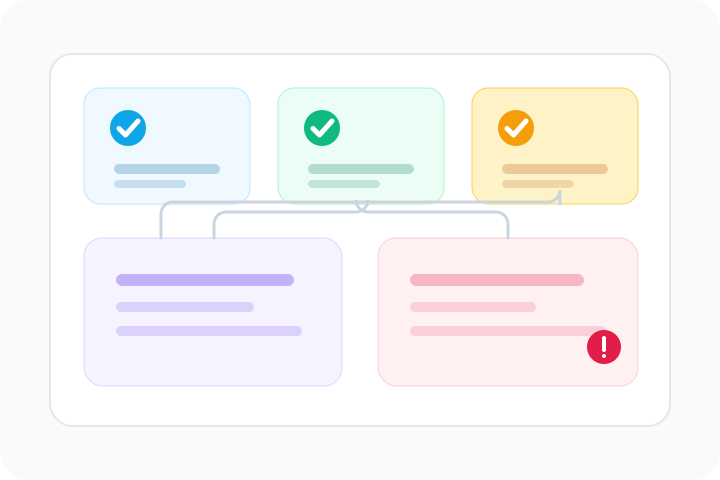
Group technical checks by what they help you decide: visibility, trust, reliability, and user experience.
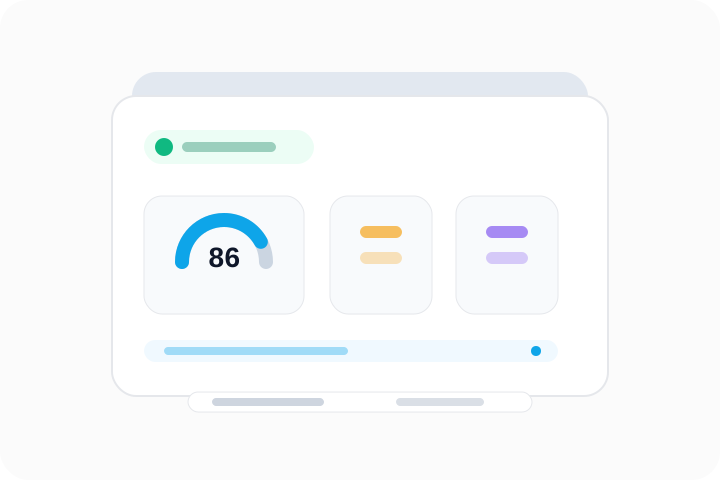
Show the score, confidence, and next useful page without forcing readers through dense raw output.

Connect broad website checks to exact query pages for status, tech stack, ownership, age, and AI visibility.
Start with single-tool checks, then move into deeper audit flows. This layout helps users move from a quick answer to a full diagnosis in one clean path.
Quick answer hubs
Each page answers one practical question, then links naturally to the next relevant check so users can keep investigating without starting over.
Best next click
When users land on an answer page, they are guided to the next logical check instead of hitting a dead end.
Traffic paths
These paths connect broad informational searches to the exact diagnostic pages that answer the next question.
For GEO, AI Overviews, ChatGPT, and Perplexity searches
Capture teams trying to understand whether their content can be discovered, extracted, and cited by answer engines.
For SEO trends, GEO strategy, Brand Radar, Profound, and AEO queries
Guide strategic searches into practical pages that explain the market shift and route users to free implementation checks.
For BuiltWith, Wappalyzer, CMS, hosting, and stack queries
Serve visitors researching what a website uses, who operates it, and which public infrastructure signals are visible.
For status, SSL, DNS, headers, and incident searches
Connect high-volume outage queries to the checks that explain whether the issue is DNS, TLS, redirects, or headers.