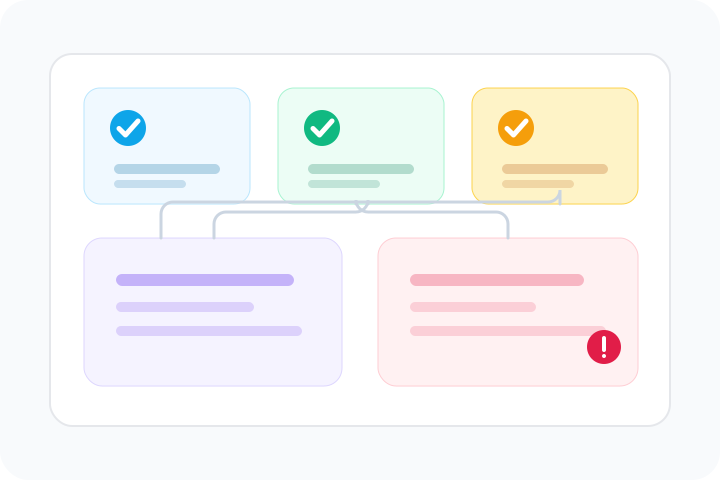
One scan, clearer signal
Group technical checks by what they help you decide: crawl access, trust, reliability, and user experience.
Loading CheckWebs…
Tool library
Search 62 checks across crawl access, DNS, SSL, uptime, stack clues, security, email setup, and page structure. Start broad, then open the exact tool behind each signal.
Comprehensive website audit and SEO analysis checks.
DNS lookup, domain age, and propagation checks.
Website security, SSL, and HTTP header checks.
Website performance testing and tech stack detection checks.
Email deliverability and configuration checks.
Domain research, IP lookup, and WHOIS checks.
Website utilities and technical generators.
Public AI access, crawlability, and extractability checks.
Start by need
A large tool library only works when the first click is obvious. Choose the situation you are dealing with, add a domain if you have one, and start at the right diagnostic layer.
How results stay readable
The hub pairs concise use cases with visual pathways, so users can move from a broad problem to a specific diagnostic faster.
Group technical checks by what they help you decide: crawl access, trust, reliability, and user experience.
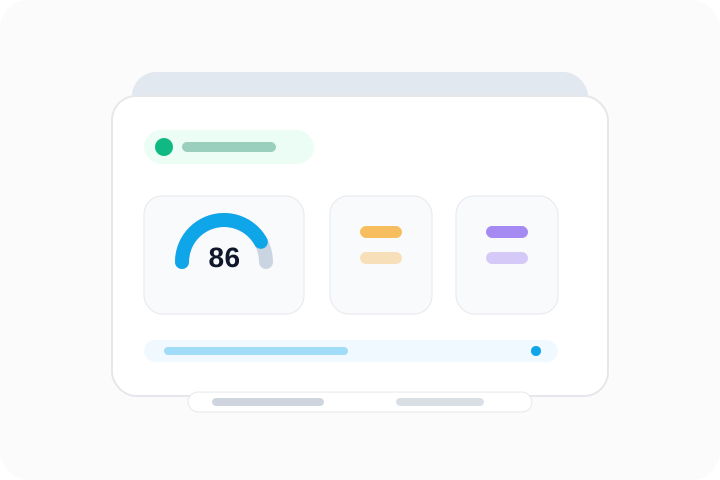
Show the score, confidence, and next useful page without forcing readers through dense raw output.

Connect broad website questions to the right checks for status, tech stack, ownership, age, and public content access.
Check if your website is SEO-friendly with a full on-page audit
Check if your website is accessible and WCAG compliant
AI-powered visual design and usability review
Check whether public pages are crawlable and easy for AI tools to parse
Run a complete public AI access diagnostic in one report
Complete audit: SEO + Accessibility + UI/UX + public AI access
Look up all DNS records for any domain
Domain registration details and ownership info
Find mail exchange servers for a domain
View all TXT records including SPF, DKIM, DMARC
Find authoritative nameservers for a domain
Check if DNSSEC is enabled and properly configured
Find out when a domain was registered and when it expires
Check if your website SSL certificate is valid and secure
Inspect all HTTP response headers
Grade your security headers (CSP, HSTS, X-Frame, etc.)
Trace the full redirect chain from URL to final destination
View and analyze a site's robots.txt file
Find insecure HTTP resources on HTTPS pages
Identify technologies, frameworks, and CMS used by a website
Inspect all meta tags including Open Graph and Twitter Cards
Preview how your URL looks when shared on social media
Estimate the carbon emissions of a webpage
Validate and analyze a website's sitemap.xml
Find broken links on any webpage
Measure page load performance and Core Web Vitals
Check SPF, DKIM, DMARC, and mail server configuration
Find the IP address and geolocation of any domain
Find where a website's server is physically located
Check if a website is up or down right now
Extract all internal and external links from a webpage
Scan common ports to find open services
Test how strong your password is — 100% client-side, private
Generate perfect meta tags for SEO and social sharing
Generate MD5, SHA-1, SHA-256, SHA-512 hashes instantly
Encode or decode Base64 text instantly
Encode or decode URL-encoded strings
Format, validate, and beautify JSON data
Generate a robots.txt file for your website
Build Content-Security-Policy headers visually
Check if your site has an llms.txt file for AI crawlers
Validate JSON-LD and Schema.org markup for rich results
Audit cookies, tracking scripts, and GDPR compliance signals
Analyze H1-H6 heading hierarchy for SEO and accessibility
Check if a website supports HTTP/2 or HTTP/3 (QUIC)
Check favicons, web app manifest, and PWA readiness
Check if DNS changes have propagated globally
Check Brand Indicators for Message Identification (email logo)
Check if AI crawlers (GPTBot, ClaudeBot) are blocked in robots.txt
Validate canonical URLs to prevent duplicate content issues
Analyze total page size, resources, and compression
Validate hreflang tags for multi-language websites
Score how quotable and extractable your content is for AI
Analyze entity density and knowledge graph signals
Deep audit of HTML5 semantic elements and landmarks
Check if your content is formatted for AI answer engines
Score citation readiness and source trust signals
Check readiness for Google Knowledge Panel and AI entity recognition
Validate all meta tags that matter for AI and social sharing
Analyze internal linking depth and orphan page signals
Analyze word count, readability, and content signals
Audit images for alt text, lazy loading, and modern formats
Exact questions
Each tool is mapped to a problem a website team actually needs to verify: DNS changes, SSL warnings, crawl blocks, page metadata, uptime, stack clues, or security headers.
Diagnostic paths
The tool library is organized around real tasks: crawler access, competitor research, outages, launch QA, DNS, SSL, and domain trust.
For crawler access, answer structure, and source clarity
Help teams check whether public content can be crawled, parsed, and understood without making citation promises.
For teams comparing monitoring suites and first-pass checks
Help users understand what CheckWebs can validate now and what paid monitoring tools still handle better.
For BuiltWith, Wappalyzer, CMS, hosting, and stack queries
Help users research what a website uses, who operates it, and which public infrastructure signals are visible.
For status, SSL, DNS, headers, and incident searches
Connect a broken-site question to the checks that explain whether the issue is DNS, TLS, redirects, or headers.